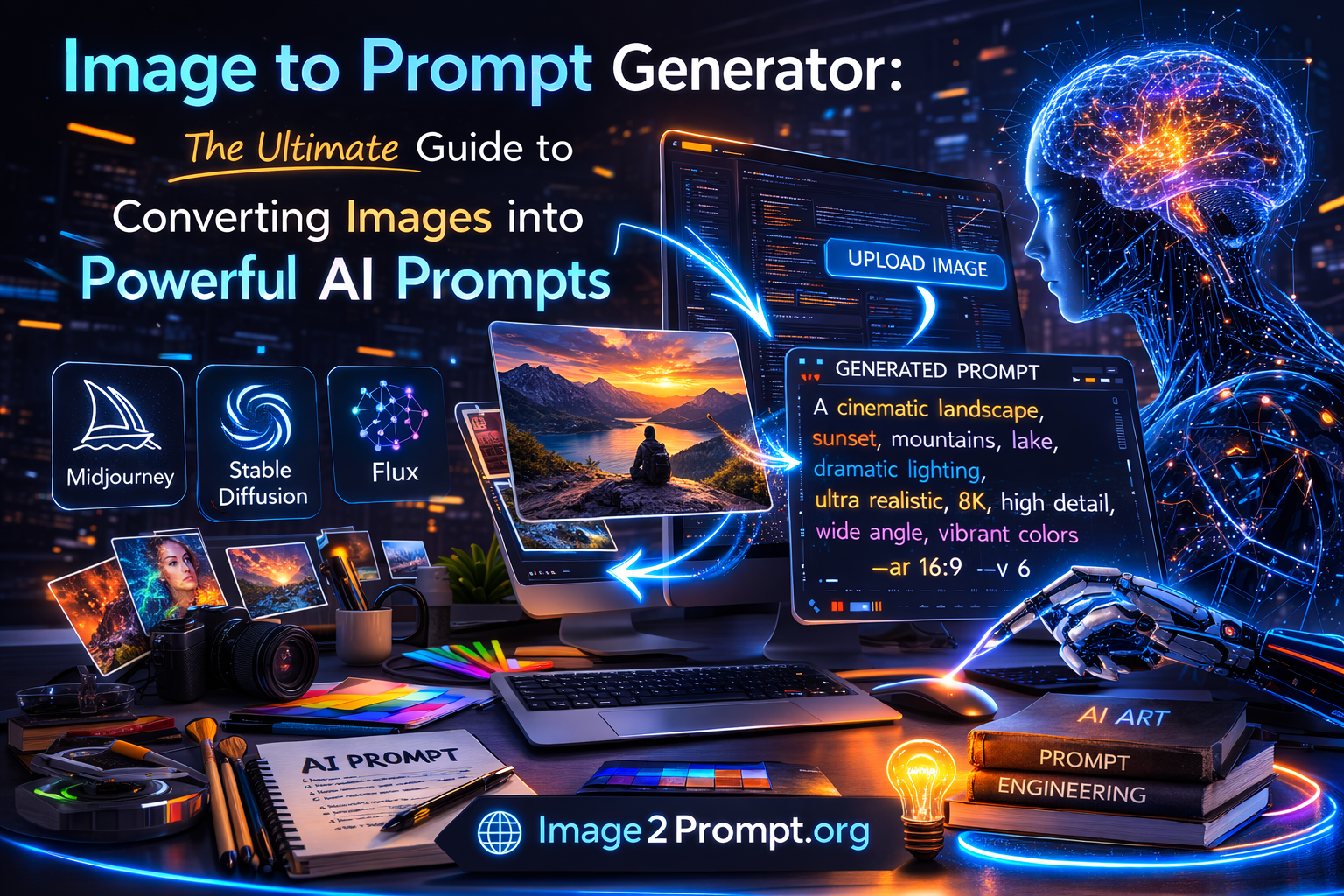
Image to Prompt Generator : In the world of AI-generated art, writing the perfect prompt is everything. Whether you are using Midjourney, Stable Diffusion, Flux, or other AI image models, the quality of your prompt determines the quality of your result. But what if you could skip the guesswork and instantly generate a detailed prompt from an image?
That’s where an Image to Prompt Generator becomes essential.
An Image to Prompt Generator is an AI-powered tool that analyzes an image and converts it into a structured, descriptive AI prompt. Instead of manually describing lighting, style, composition, camera angles, textures, and artistic details, the tool does it for you in seconds.
This guide explains how Image to Prompt tools work, why they are important, how to use them effectively, and how they improve AI-generated results.
What Is an Image to Prompt Generator?
An Image to Prompt Generator is a tool that converts an existing image into a detailed text prompt that can be used in AI image generation models.
In simple terms:
- Upload an image
- The AI analyzes visual elements
- The tool generates a descriptive prompt
- Use that prompt in Midjourney, Stable Diffusion, Flux, or other AI models
This process is often called:
- Convert image to prompt
- Generate prompt from image
- AI prompt extraction
- Reverse prompt engineering
Instead of manually writing:
A cinematic portrait of a futuristic cyberpunk woman, neon lighting, 85mm lens, ultra detailed, 8K
The Image to Prompt Generator creates it automatically based on the uploaded image.
Why Image to Prompt Tools Are So Important
AI image generation models rely entirely on text prompts. The more detailed and structured your prompt, the better your results.
However, most users struggle with:
- Understanding art styles
- Describing lighting correctly
- Writing professional camera details
- Structuring prompts properly
- Optimizing prompts for specific models
An Image to Prompt Generator Free tool solves these problems instantly.
Key Benefits:
1. Saves Time
No more guessing how to describe composition, lighting, textures, or mood.
2. Improves Accuracy
The generated AI prompt reflects real visual elements from the image.
3. Helps Beginners
Even if you don’t know advanced prompt engineering, you can generate professional prompts.
4. Boosts AI Image Quality
Better prompts = better results in Midjourney, Stable Diffusion, and Flux.
How Does an Image to Prompt Generator Work?
An Image to Prompt Generator uses advanced computer vision and AI models to analyze:
- Objects
- Background
- Lighting
- Colors
- Camera angle
- Art style
- Mood
- Textures
- Facial features (if portrait)
Then it converts that analysis into a structured AI-ready prompt.
For example:
Input:
A photo of a mountain landscape at sunset.
Output:
Cinematic mountain landscape at golden hour, warm sunset lighting, dramatic clouds, ultra realistic, high detail, wide angle lens, 8K resolution, vibrant colors.
The generated prompt is optimized for AI models to recreate similar results.
Image to Prompt for Midjourney
Midjourney users often struggle with prompt structure. Midjourney requires descriptive and stylistic keywords to produce high-quality art.
An Image to Prompt Generator helps by:
- Adding artistic style references
- Including lighting details
- Suggesting cinematic composition
- Structuring prompts properly
Instead of basic prompts, you get detailed prompts that generate professional-level results.
Image to Prompt for Stable Diffusion
Stable Diffusion is powerful but requires precise prompts.
A good Image to Prompt tool can:
- Identify realistic vs artistic styles
- Add texture descriptions
- Include camera and lens details
- Improve realism
If you want high-resolution, photorealistic images, prompt precision is essential.
Image to Prompt for Flux and Other Models
New AI models like Flux require optimized prompt structure.
An Image to Prompt Generator helps ensure:
- Model-friendly syntax
- Clear descriptive layering
- Proper style hierarchy
- Improved generation consistency
This makes your workflow smoother and more efficient.
Who Should Use an Image to Prompt Generator?
This tool is ideal for:
🎨 AI Artists
Extract prompts from existing artwork and recreate variations.
📈 Content Creators
Generate consistent visual branding using structured prompts.
🎮 Game Designers
Analyze concept art and regenerate variations quickly.
📷 Photographers
Turn photography into stylized AI art.
💼 Marketers
Create high-quality AI visuals for ads and campaigns.
Image to Prompt vs Manual Prompt Writing
| Manual Prompt Writing | Image to Prompt Generator |
|---|---|
| Time-consuming | Instant results |
| Requires expertise | Beginner-friendly |
| Trial and error | Optimized automatically |
| Inconsistent quality | Structured and precise |
Using an Image to Prompt Generator dramatically reduces learning curve.
How to Use an Image to Prompt Generator (Step-by-Step)
- Upload your image
- Click Generate
- Copy the AI-generated prompt
- Paste into Midjourney, Stable Diffusion, or Flux
- Generate your new image
That’s it. No technical skills required.
Tips for Better Results
Even with a powerful Image to Prompt Generator, here are extra tips:
✔ Choose High-Quality Images
Clear images produce better prompt analysis.
✔ Edit the Generated Prompt
You can refine style keywords after generation.
✔ Add Model Parameters
Add aspect ratio, quality settings, or version flags.
✔ Test Variations
Slight modifications can drastically improve results.
Why a Free Image to Prompt Generator Is Valuable
Many tools require login or subscriptions.
A Free Image to Prompt Generator (No Sign-up) gives users:
- Instant access
- No barriers
- Faster workflow
- Better user experience
Removing sign-up increases user trust and conversion rate.
SEO Advantages of Image to Prompt Tools
If you run a creative website, adding an Image to Prompt tool can:
- Increase organic traffic
- Target AI-related keywords
- Rank for “convert image to prompt”
- Capture Midjourney and Stable Diffusion traffic
- Improve time on site
AI tools attract high-intent users.
The Future of Image to Prompt Technology
AI is evolving rapidly.
Future Image to Prompt Generators will:
- Provide structured prompt categories
- Offer style sliders
- Generate negative prompts automatically
- Optimize prompts for specific AI model versions
- Include multi-language prompt output
The demand for AI prompt optimization tools will continue to grow.
Frequently Asked Questions (FAQ)
What is Image to Prompt?
Image to Prompt is the process of converting an image into a descriptive AI prompt for image generation models.
Is Image to Prompt Generator free?
Many platforms offer free versions without sign-up requirements.
Can I use the generated prompt in Midjourney?
Yes. Prompts generated can be used in Midjourney, Stable Diffusion, Flux, and other AI tools.
Does it work with any image?
Yes, but higher quality images produce better results.
Do I need technical skills?
No. The process is automatic and beginner-friendly.
Conclusion
An Image to Prompt Generator is one of the most powerful AI tools available today. It simplifies prompt engineering, improves image quality, and saves countless hours of manual writing.
Whether you are an AI artist, marketer, designer, or beginner experimenting with AI tools, converting images into optimized prompts gives you a massive advantage.
Instead of guessing how to describe lighting, composition, or style — let AI do the work for you.
Upload your image, generate your prompt, and create better AI results instantly.