Introduction
If you’ve ever wondered how to prompt image generators correctly, you’re not alone. AI image tools like Midjourney, Stable Diffusion, and other generative models are powerful — but their output depends entirely on how well you write your prompts.
Learning how to prompt image generators is the difference between getting random results and producing professional-quality AI artwork.
In this complete guide, you’ll learn:
- How to structure prompts properly
- How to improve detail and realism
- How to avoid common mistakes
- How to generate better AI images consistently
- How to use AI tools like image to prompt to simplify the process
Let’s dive in.
What Does It Mean to Prompt an Image Generator?
Before understanding how to prompt image generators, we need to understand what prompting actually means.
An image generator uses text input (a prompt) to create an image. The AI reads your description and translates it into visuals.
For example:
Basic prompt:
A cat
Better prompt:
A photorealistic orange cat sitting on a wooden table, soft natural lighting, 85mm lens, ultra detailed, 8K resolution
The second version produces far better results.
That’s why learning how to prompt image generators is essential.
Why Learning How to Prompt Image Generators Matters
Most beginners type short descriptions and expect perfect results. But AI models work better with:
- Clear subjects
- Detailed environments
- Specific lighting
- Artistic style references
- Camera settings
- Mood descriptions
If you truly understand how to prompt image generators, you can:
✔ Create cinematic scenes
✔ Generate hyper-realistic portraits
✔ Design concept art
✔ Produce marketing visuals
✔ Improve consistency
And if you want to save time, you can use tools like https://image2prompt.org/ to convert images into optimized prompts instantly.
The Basic Structure of a High-Quality AI Prompt
To master how to prompt image generators, follow this structure:
1️⃣ Subject
What is the main focus?
Example:
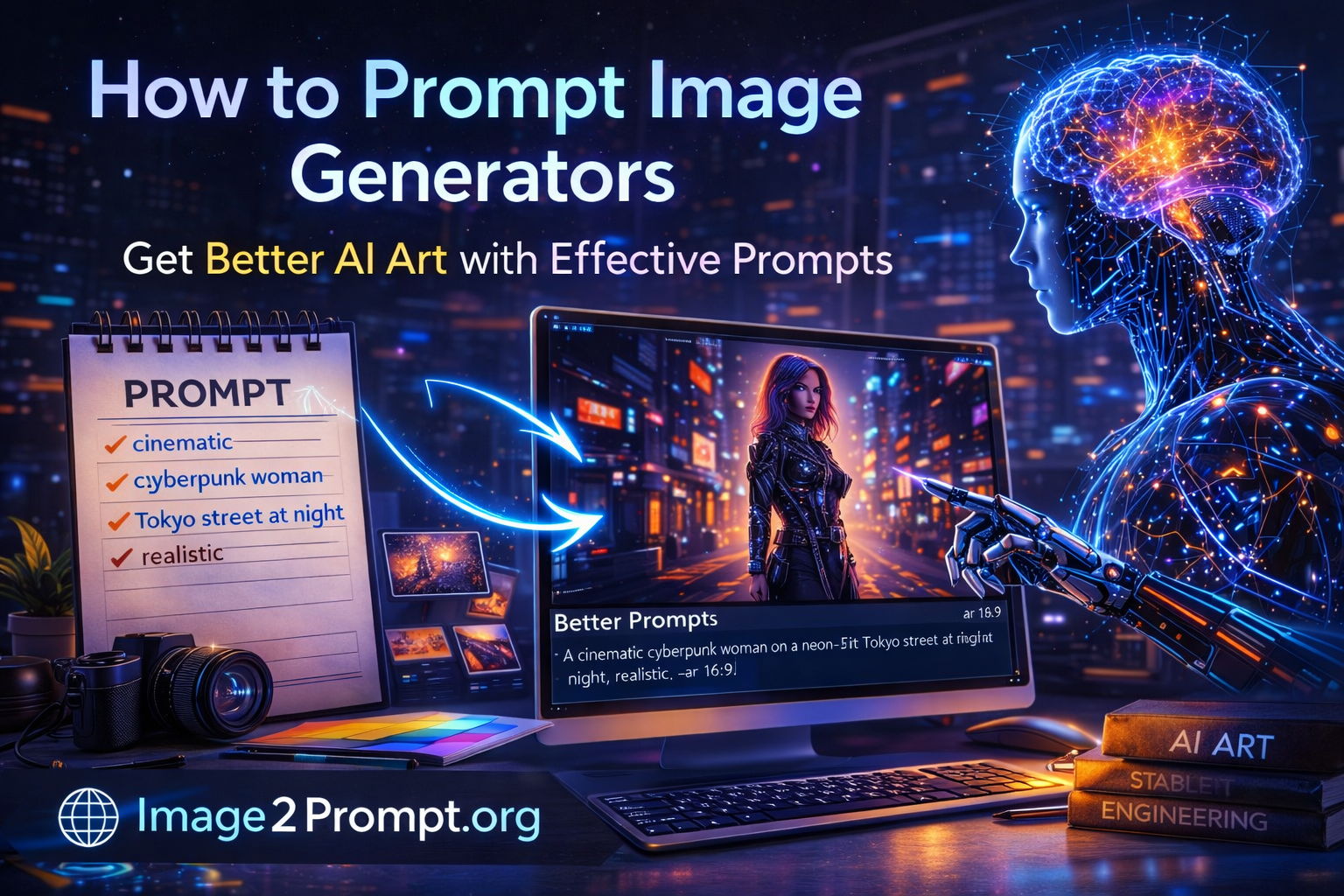
A futuristic cyberpunk woman
2️⃣ Environment
Where is the scene happening?
Standing in a neon-lit Tokyo street at night
3️⃣ Lighting
Lighting dramatically affects output.
Cinematic lighting, soft glow, dramatic shadows
4️⃣ Style
Realistic? Anime? Oil painting?
Photorealistic, ultra detailed
5️⃣ Camera & Quality
Add realism.
85mm lens, depth of field, 8K resolution
Full optimized prompt:
A futuristic cyberpunk woman standing in a neon-lit Tokyo street at night, cinematic lighting, soft glow, photorealistic, ultra detailed, 85mm lens, depth of field, 8K resolution
Now you understand the core of how to prompt image generators.
How to Prompt Image Generators for Realistic Results
If realism is your goal, focus on:
- Natural lighting
- Camera lenses
- High resolution keywords
- Skin texture details
- Depth of field
Example:
Ultra realistic portrait of a businesswoman, natural window lighting, shallow depth of field, professional photography, 85mm lens, high detail, 8K
For easier prompt creation, upload a reference image to https://image2prompt.org/ and generate a structured prompt automatically.
How to Prompt Image Generators for Artistic Styles
If you want stylized art:
Include:
- Art medium (oil painting, watercolor, digital art)
- Artist inspiration
- Color palette
- Texture style
Example:
Fantasy castle in the clouds, oil painting style, inspired by classical renaissance art, warm color palette, textured brush strokes
Understanding style keywords is key when learning how to prompt image generators.
Common Mistakes When Prompting AI Image Generators
Even experienced users make mistakes.
❌ Too Short Prompts
“A dog in a park” is too vague.
❌ No Lighting Details
Lighting changes everything.
❌ No Style Definition
The AI may guess incorrectly.
❌ Overloading Keywords
Too many conflicting styles confuse the model.
If you’re unsure how to optimize prompts, tools like https://image2prompt.org/ can help generate balanced descriptions.
How to Prompt Image Generators Using Reference Images
One of the most powerful strategies in mastering how to prompt image generators is using reference images.
Instead of writing everything manually:
- Upload your image
- Generate a detailed AI prompt
- Refine or reuse the prompt
This method saves hours and improves consistency.
Try it here:
👉 https://image2prompt.org/
Advanced Prompting Techniques
Once you understand the basics of how to prompt image generators, you can move to advanced methods.
1️⃣ Layered Prompting
Break your description into layers:
- Subject
- Background
- Effects
- Quality enhancements
2️⃣ Weighting Keywords
Some models allow emphasis on specific elements.
3️⃣ Negative Prompts
Tell the AI what to avoid:
blurry, low quality, distorted face
4️⃣ Aspect Ratio Control
Use model-specific parameters for composition.
SEO and AI Image Prompting: Why It Matters
Many content creators now search for:
- how to prompt image generators
- best AI prompt techniques
- AI image prompt examples
By mastering this skill, you not only improve visuals but also improve content marketing.
Adding AI visuals to blog posts increases:
- Time on page
- Engagement
- Shareability
Best Workflow for AI Artists
Here’s a professional workflow:
- Start with a concept
- Use image2prompt.org to generate base prompts
- Adjust style and mood
- Add technical details
- Generate variations
- Refine
This workflow ensures consistent high-quality results.
Frequently Asked Questions
What is the best way to learn how to prompt image generators?
Practice structured prompts and analyze high-performing examples.
Can beginners learn how to prompt image generators easily?
Yes. Using structured frameworks or AI prompt tools simplifies the process.
Is there a tool that converts images into prompts?
Yes. You can use image to prompt to instantly generate detailed prompts from any image.
Why are my AI images not realistic?
Most likely due to weak prompts lacking lighting, style, and camera details.
Final Thoughts
Learning how to prompt image generators is one of the most valuable AI skills today. The better your prompt, the better your results.
Instead of struggling with guesswork:
- Use structured prompt techniques
- Add lighting, style, and camera details
- Avoid vague descriptions
- Use tools like https://image2prompt.org/ to generate optimized prompts instantly
AI image generation is evolving fast. The creators who understand how to prompt image generators properly will always produce better visuals.
Now it’s your turn.
Start experimenting, refine your prompts, and generate professional AI images today.